project
Scriptoria
Sermon & Bible study notes that never leave your browser.
Scriptoria started as a personal frustration. Every note-taking app I tried either required an account, stored your notes on someone else’s server, or charged a subscription for the privilege of writing things down. If you’re the kind of person who fills the margins of a paper Bible, you deserve a digital tool that respects that same intimacy.
The entire app runs in your browser. Your notes live in IndexedDB — a local database built into every modern browser. No sign-up form, no email verification, no subscription nag screen. You open the URL, start writing, and your notes are there next time you open it.
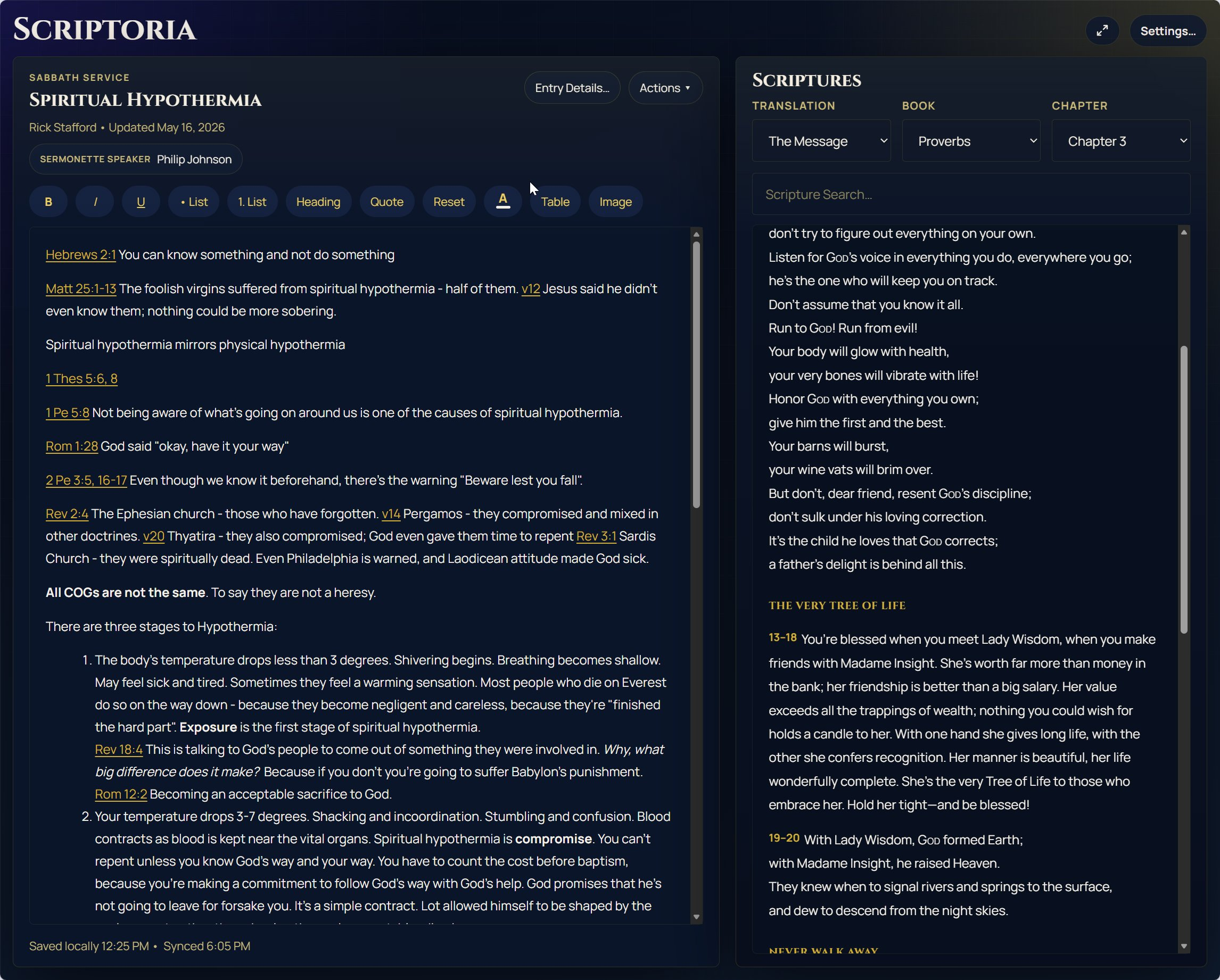
Where Scriptoria goes further than a plain note editor is the scripture integration. You can browse or search any included translation, drop a passage reference into a note, and have the verse text inline without switching tabs. The app bundles several public-domain and open-licence translations, so it works completely offline from the first load.
For those who want their notes across devices, optional cloud sync via Google Drive or OneDrive is available. It’s entirely opt-in — connect your own cloud storage and Scriptoria reads and writes your notes there. No Scriptoria accounts, no Scriptoria servers.
Offline-first PWA
Installs to your home screen and works without a connection from the very first load — the service worker caches the whole app.
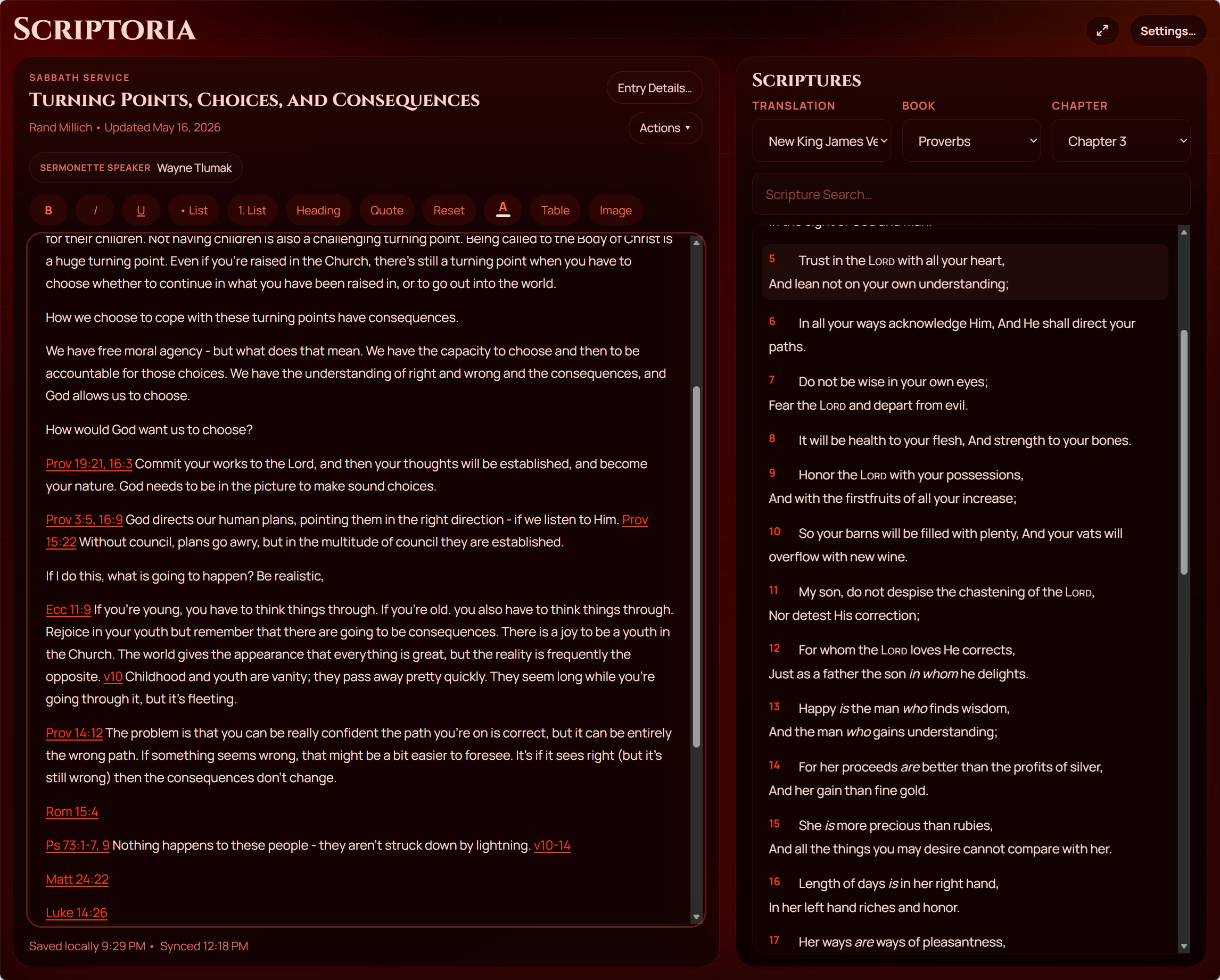
Rich note editor
Format notes with headings, bold, italic, and lists, then link them to a sermon date, speaker, and scripture passage.
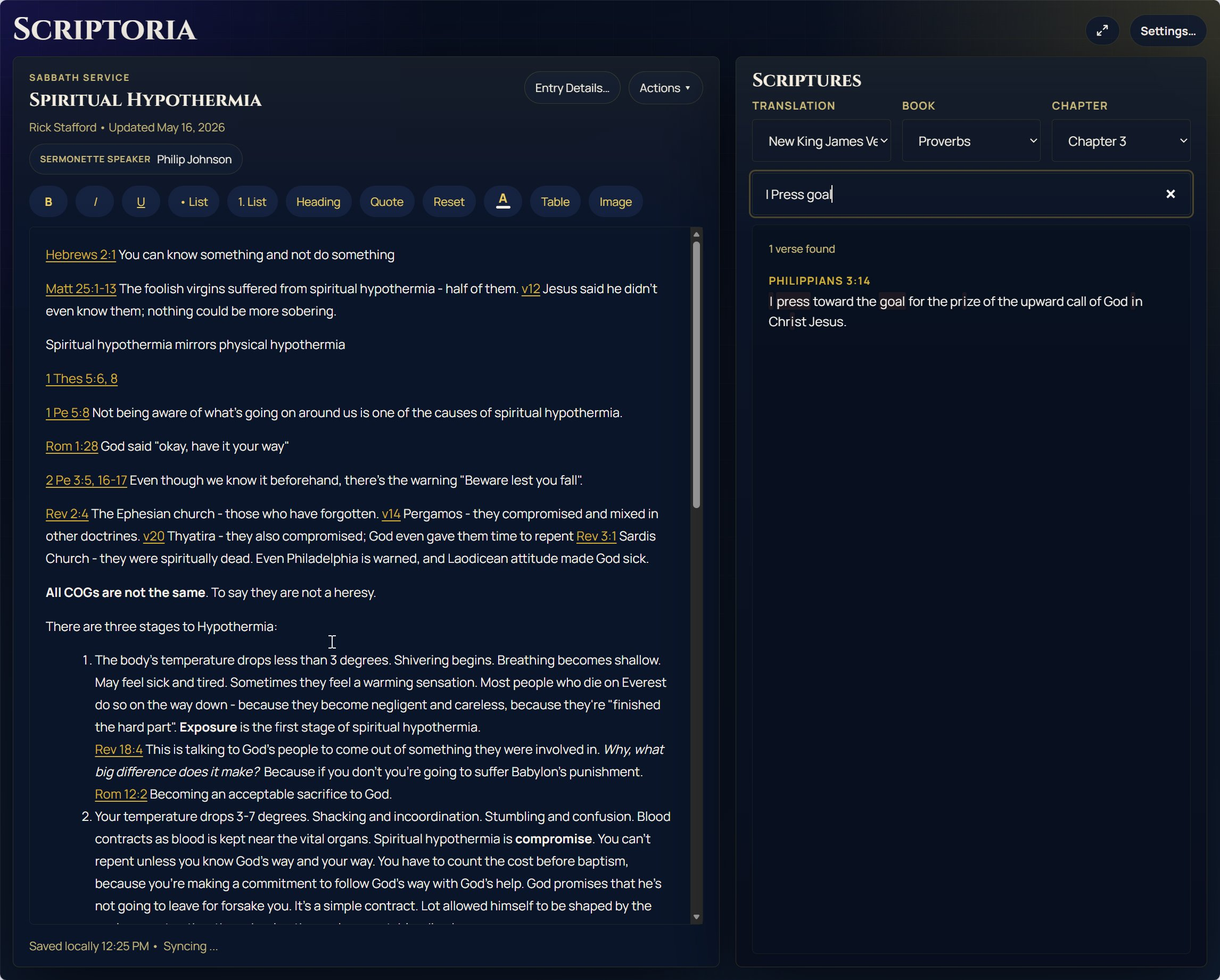
Scripture search
Find any verse instantly with full-text search across all bundled translations, without leaving the note you’re writing.
Multiple translations
Switch between several public-domain and open-licence Bible translations without downloading anything extra.
Optional cloud sync
Connect your own Google Drive or OneDrive to back up and sync notes across devices — no Scriptoria account required.
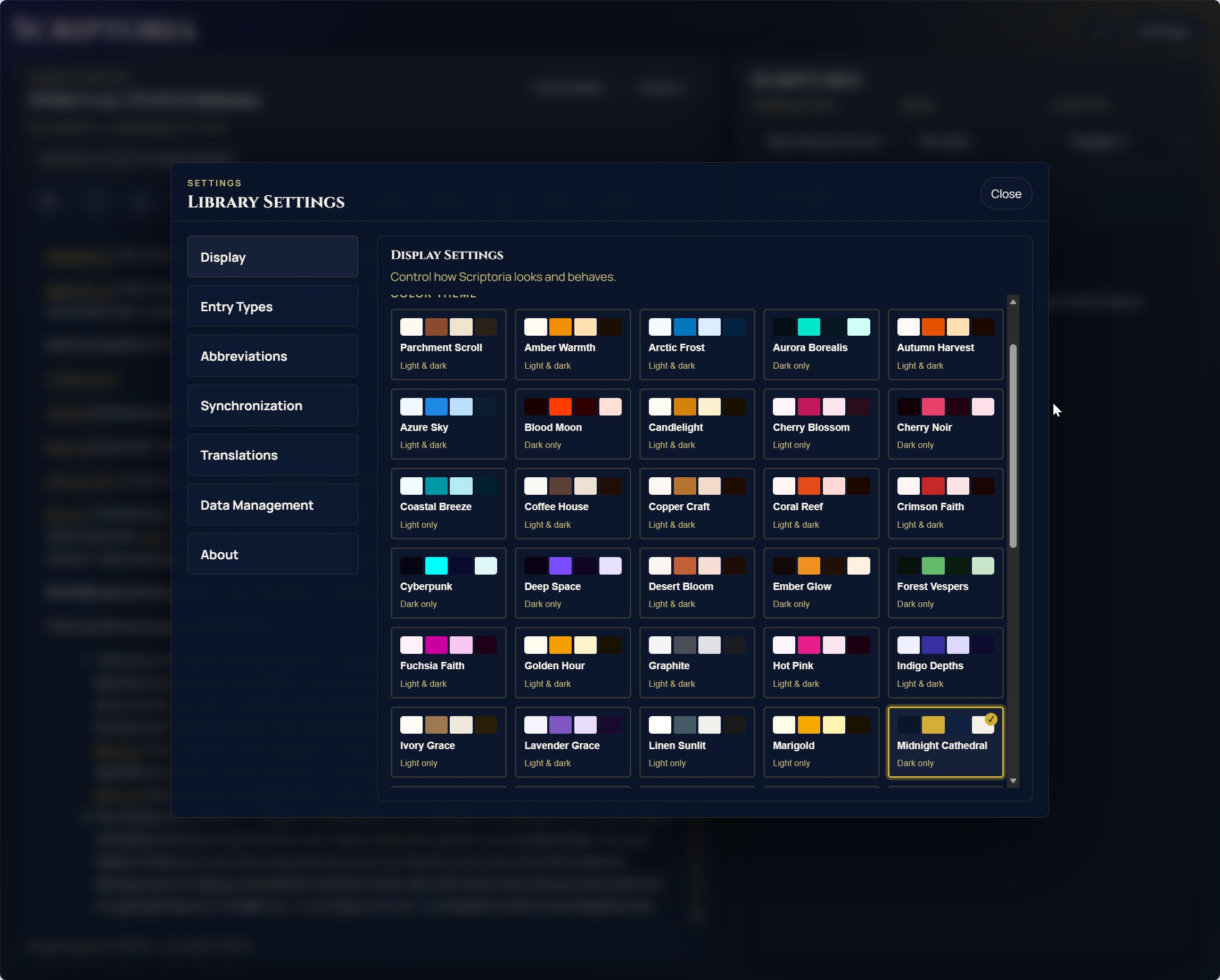
50+ themes
From warm amber parchment to deep cathedral black — choose a look that matches how you like to read and write.
Scriptoria is a web app — nothing to install. Open it in any modern browser and it’s ready to go. You can also add it to your home screen as a PWA for a full-screen, offline-capable experience.
Works in Chrome, Firefox, Safari, Edge. No account or sign-in needed.