TAP KIKO TO PET HER
0♥ hearts
0 /sec1 per pet
Hire
OwnedAffordableLocked
Space play/pause · ←/→ track · 1–6 pick · PgUp/PgDn seek · V visualizer · A auto · F frenzy · Esc close · click Kiko
Kiko runs the coziest cat girl café in the megacity. Pet her, hire a neon crew, and build a café empire across six districts.
The real DOS game, running in DOSBox-X compiled to WebAssembly. Pick a PC, pick its cards, power on.
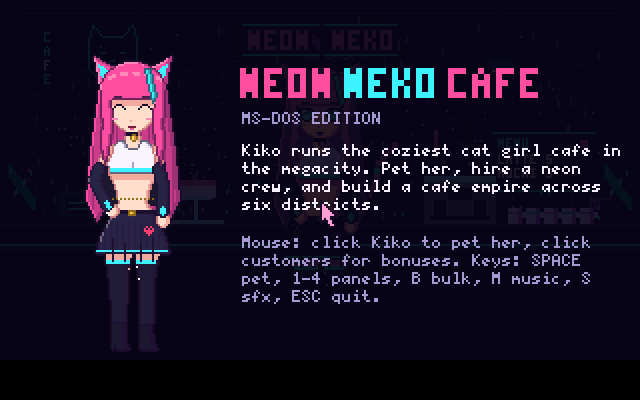
Click the screen to give it the keyboard. In the game: click Kiko or press Space to pet her, 1–4 open the panels, Esc quits to DOS. Idle on the title for 15 seconds to watch the attract-mode demo.
Your cafe (NEKO.SAV) and any settings saved from SETUP are kept in this browser and come back the next time you power on.
The same café as a native Windows game: one small EXE, no installer, no DirectX, nothing else to download. Built to run on everything from Windows 95 to Windows 11.
Download for WindowsNeonNekoCafe-Windows.zip · 172 KB · NeonNekoCafe.exe + READMEUnzip and double-click NeonNekoCafe.exe. Windows 10/11 may warn that the app is unrecognised because it isn't code-signed: choose More info, then Run anyway.
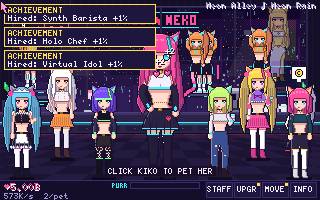
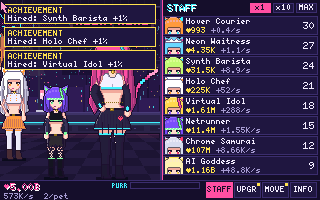
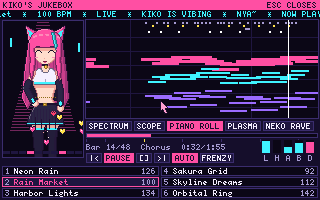
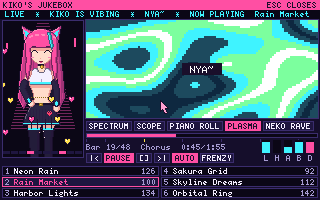
%APPDATA%\NeonNekoCafeNative Win32 built with Open Watcom C. It shares its game code with the MS-DOS edition: the same 320×200 picture is scaled with GDI, the same chiptune synth streams through waveOut on its own thread, and the art is packed inside the EXE.